
Scenario
Commercial building in Denver.
The owner needs to know which energy rules may apply and what paperwork is missing.
This fictional example shows how Peak Energy Advisors can move from an address and a few records to a practical compliance plan. It is illustrative, not a client outcome or official determination.

The example uses fictional facts to show the review process without exposing client data.
The owner needs to know which energy rules may apply and what paperwork is missing.
Peak checks the address, building facts, official program thresholds, and known filing history.
The deliverable separates confirmed facts, likely matches, open questions, and assigned next steps.
Peak can start with limited information, then identify what still needs confirmation.
Street address, city, and any known parcel or building identifiers.
Approximate floor area, primary use, ownership contact, and property manager contact.
Benchmarking account access, prior submissions, notices, invoices, or utility data exports.
Any letter, email, or internal date that made the team ask for help.
The review is built to reduce avoidable filing mistakes, not create more jargon for the owner.
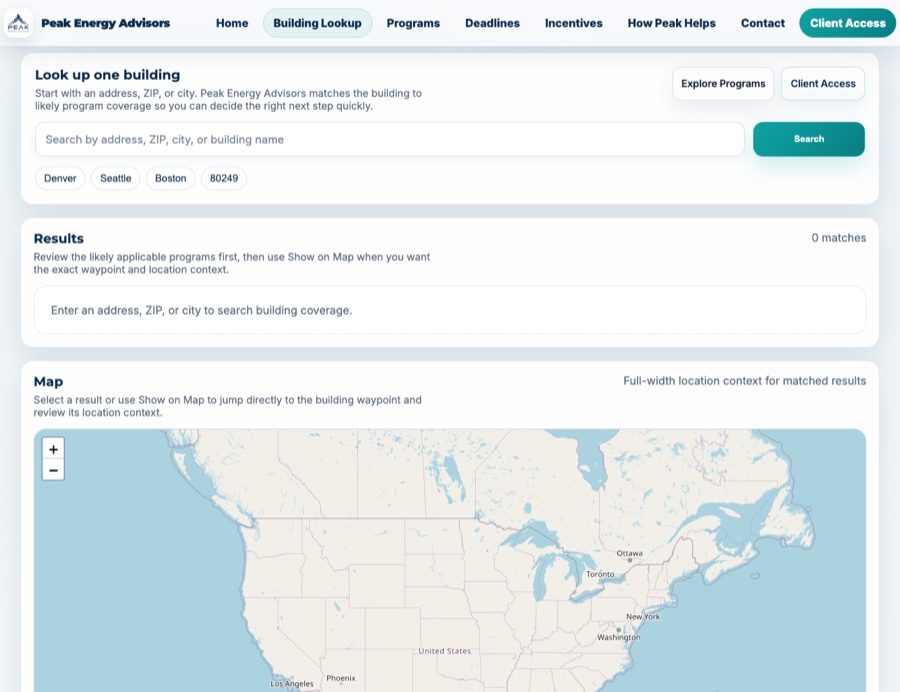
Building Search helps start the review, but final advice depends on confirmed building facts.
The goal is a working checklist, not a long report that sits untouched.
A concise summary of covered programs, thresholds, source references, and remaining uncertainties.
Benchmarking exports, utility data, building facts, prior filings, notices, and verification materials.
Near-term filing dates, internal review dates, assigned team members, and escalation points.
Benchmarking support, data verification, energy audit planning, incentive screening, or portfolio management.
Search the building first, or request an advisory review if the deadline, notice, or portfolio risk already feels urgent.